Justdial

Bring every Justdial enquiry into your CRM

Justdial sends each enquiry to a URL made for your account, and it lands on your pipeline with the details Justdial sent.

Justdial lead management means receiving the enquiries Justdial sends for your listing in one place, with an owner and a follow-up against each. Justdial works by push, so each enquiry arrives by itself once the URL is registered.

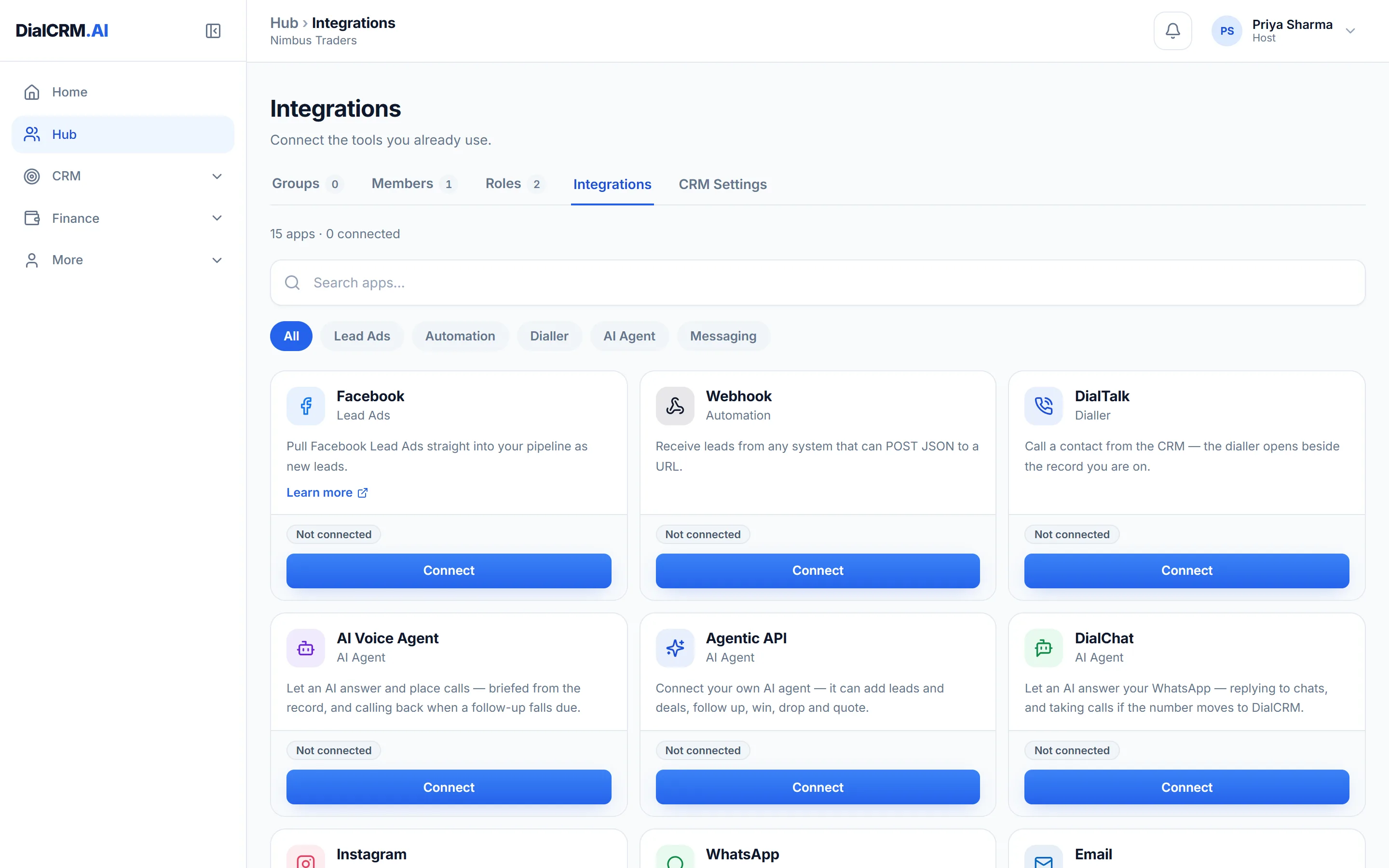
The Integrations tab in DialCRM.AI showing the available connections for lead capture, calling, messaging and the API.

How the connection works

Justdial has no self-service API to fetch from, so it delivers to you.

  • Connecting creates a URL for your Justdial account
  • Give that URL to your Justdial account manager to register
  • A shared secret proves each delivery really is from Justdial

Every field is kept

Justdial sends more than a name and a number, and none of it is dropped.

  • Name, mobile, phone, email, category, city, area and company
  • Fields with no CRM column are kept as labelled notes on the record
  • Every delivery appears in a list of what was received

Then work it like any enquiry

Once it is in, a Justdial enquiry is a record like any other.

  • Assign new enquiries automatically
  • Call it from the record, and the attempt is logged
  • Follow-up reminders on the phone, even with the app closed

Questions

Justdial lead management: common questions

Do I need to press Sync for Justdial?

No. Justdial pushes each enquiry as it arrives, so there is nothing to fetch and no Sync button. Enquiries start arriving once Justdial has registered your URL.

Who registers the URL?

Your Justdial account manager. You copy the URL from the connection screen and send it to them.

What if a delivery looks wrong?

Each delivery is listed with what was received, so you can compare it with what appears on the record.

See it with your own enquiries.

Create a workspace, connect a source, and watch the pipeline fill with your real customers.

Get started free