GST quotations

GST quotations raised straight from the deal

Quote from an item master that already holds your HSN and SAC codes. Tax is calculated line by line, and the result is a PDF with your logo on it.

GST quotation software creates quotations with tax worked out from each item’s HSN or SAC code. Here, quotations are raised off a deal and download as a branded PDF.

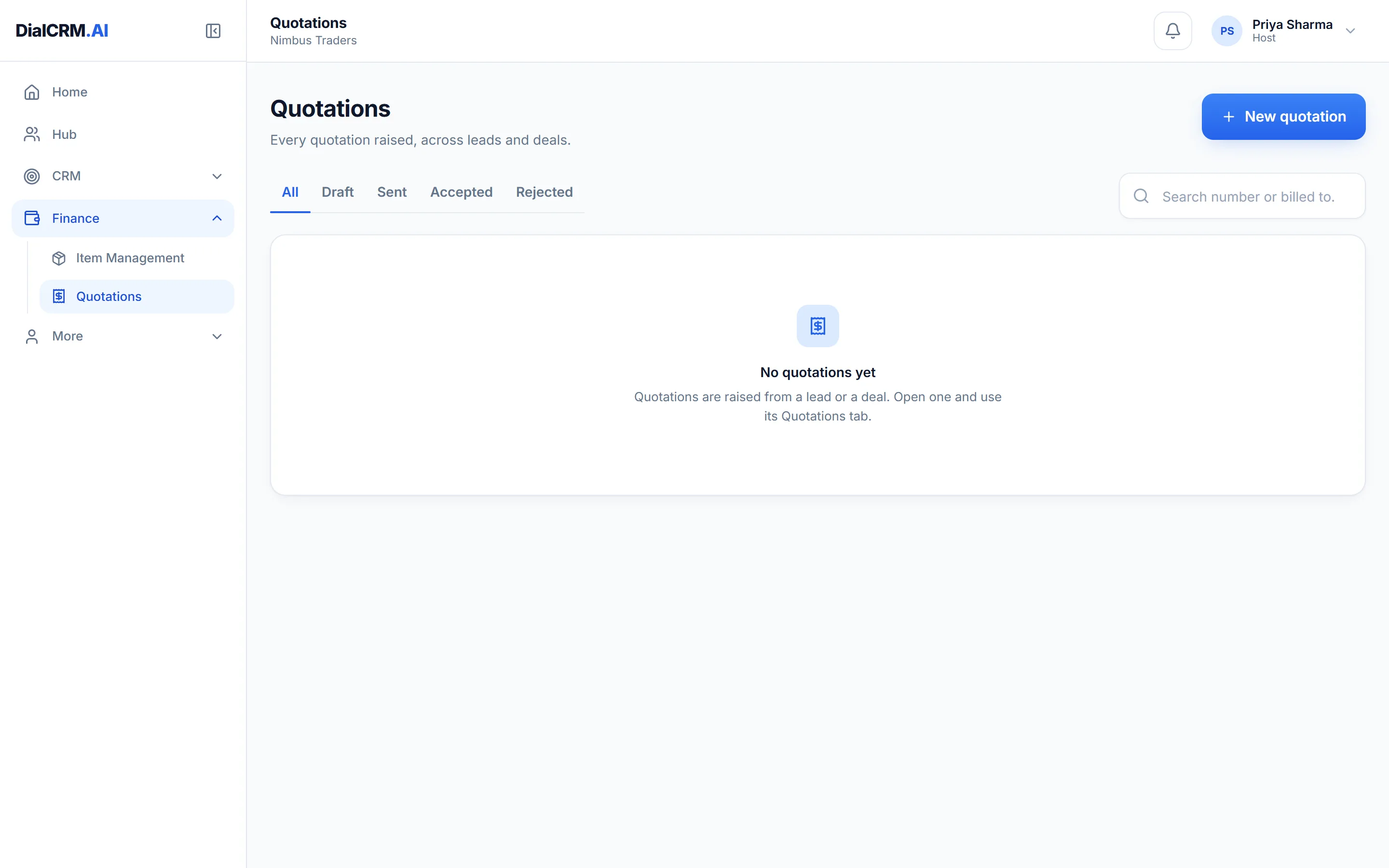
The Quotations list in DialCRM.AI showing quotations raised against deals.

An item master that knows your catalogue

Set the item up once, and the tax follows it onto every quotation.

  • HSN and SAC codes held on each item
  • Categories, sub-categories, brands and units of measure
  • Your own attributes per sub-category, answered when quoting

Tax worked out for you

GST comes from the item rather than being typed in by hand.

  • GST calculated line by line
  • Raised from the deal, so the quotation stays on its record
  • Numbered from a series you control

A quotation ready to send

The document carries your details, so it goes out looking like yours.

  • Your logo, bank details and signature
  • Downloaded as a PDF
  • A tab on the deal for its quotations

Questions

GST quotation software: common questions

Is GST calculated automatically?

Yes. The tax is worked out line by line from the item, using the HSN or SAC code held in the item master, rather than being typed in by hand.

Can we add our logo and bank details?

Yes. The quotation prints and downloads as a PDF with your logo, bank details and signature on it.

Can quotations be created on the iOS app?

No. The quoting side of Finance is left out of the iOS app. It is available on the web and in the Android app.

See it with your own enquiries.

Create a workspace, connect a source, and watch the pipeline fill with your real customers.

Get started free