Agentic API

Connect your own AI agent to your CRM

The Agentic API lets an AI agent or your own software work the same pipeline your team does, under keys you control.

The Agentic API is the CRM’s programmable interface. It lets an AI agent or other software add deals, book follow-ups, log attempts and read records back through the same rules a person works under.

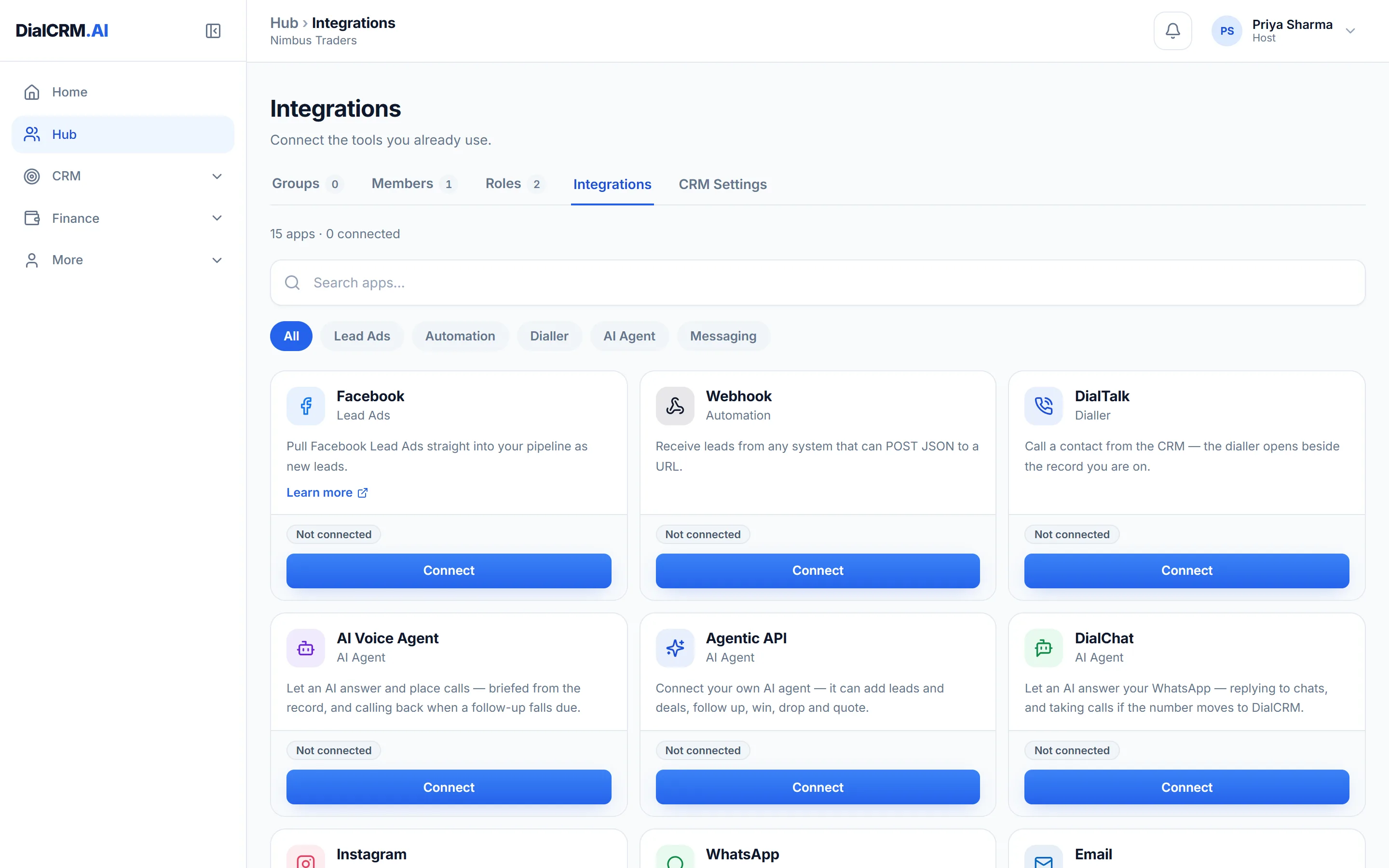
The Integrations tab in DialCRM.AI showing the available connections for lead capture, calling, messaging and the API.

What an agent can do

Each of these is an endpoint that exists today.

  • Add a deal
  • Book a follow-up, or log the attempt just made
  • Mark a deal won or dropped, with the disposition that stage allows
  • Read a record, its attempts and its timeline back
  • Create and change quotations and catalogue items

Keys you control

Access belongs to the workspace, and can be taken away at any time.

  • Workspace API keys you mint and revoke yourself
  • A record of which keys have been used, and which never have
  • Documentation with worked request and response examples, inside the app

Works with AI clients

Connect an agent over a plain API, or through the Model Context Protocol.

  • A Model Context Protocol server, for clients such as Claude
  • An OpenAPI description and tool definitions to register with a model
  • The DialTalk and DialChat AI agents connect the same way, with a key made for each

Questions

Agentic API: common questions

What is the Agentic API?

It is a programmable interface to the CRM. An AI agent you build or connect can add deals, book follow-ups, log and read attempts, and create or change quotations.

Does the CRM come with its own AI?

The Agentic API is how AI connects today: it lets an agent you build or connect work the pipeline. It does not score your leads or write your messages for you.

How does an agent authenticate?

With a workspace API key that you mint and can revoke yourself. AI clients that support it can also sign in through an Allow screen, which creates a key for that app.

See it with your own enquiries.

Create a workspace, connect a source, and watch the pipeline fill with your real customers.

Get started free