WhatsApp CRM

A CRM with WhatsApp built into the customer record

Message a contact on WhatsApp from the deal, and read their reply beside it, under your own number.

A WhatsApp CRM connects a business’s WhatsApp number to its customer records, so conversations sit against the customer instead of on one person’s phone. Email and SMS go from the same record.

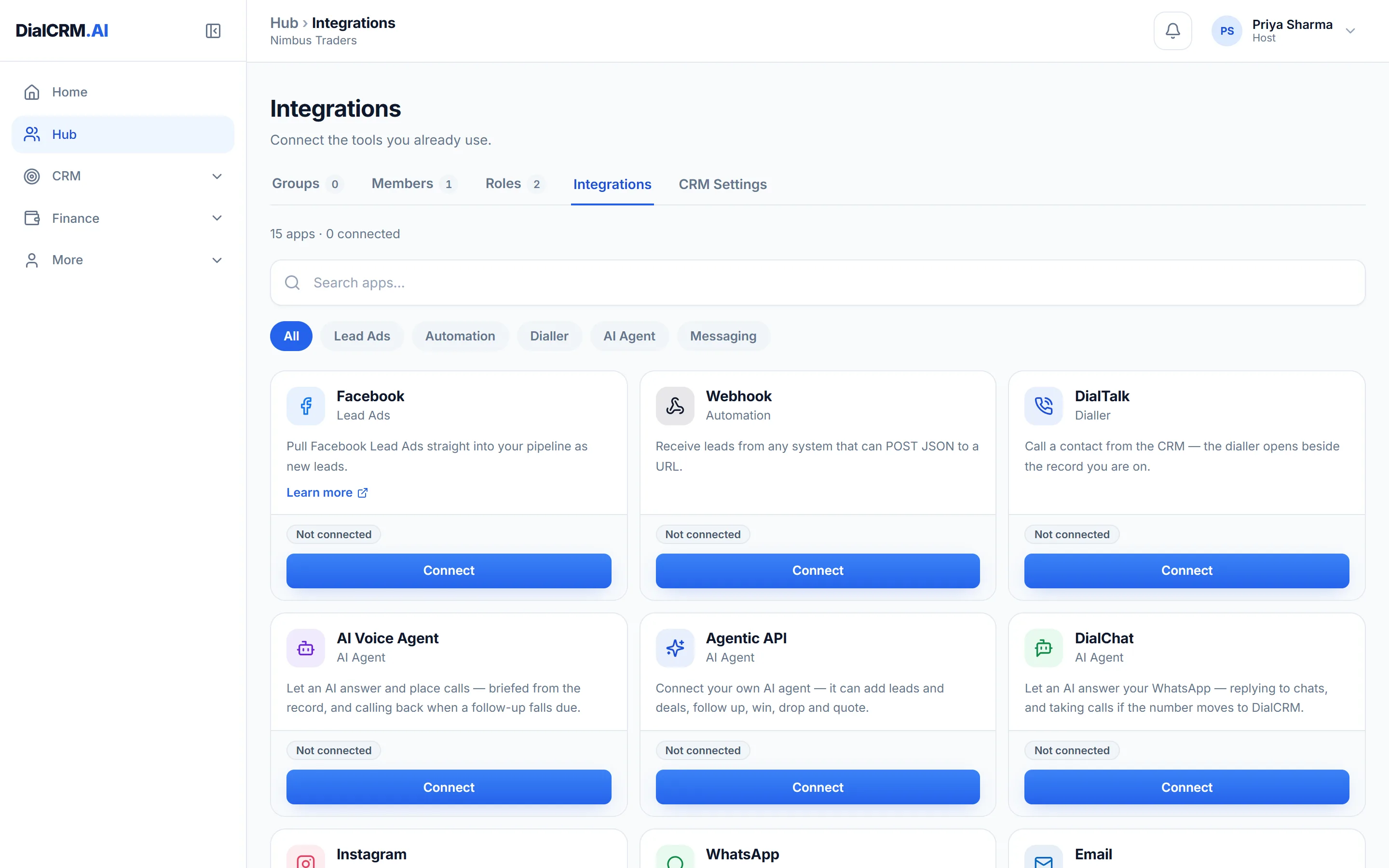
The Integrations tab in DialCRM.AI showing the available connections for lead capture, calling, messaging and the API.

Your own WhatsApp numbers

Sign in with Meta through DialChat and connect the numbers your business already uses.

  • A workspace can connect several numbers
  • Choose to keep a number on the phone, or move it to the CRM only
  • Every message in and out is kept in a log

Messages that fill themselves in

Templates pull their details from the record, so nobody retypes a customer’s name.

  • Send from the record itself
  • Templates and campaigns
  • Delivery and replies land back on the deal

Email and SMS from the same page

WhatsApp is one of three channels, all sent from the customer’s record.

  • Email under your own address
  • DLT-registered SMS under your own Principal Entity ID
  • Templates that fill themselves in from the record

Questions

CRM with WhatsApp: common questions

Can we use our existing WhatsApp number?

Yes. You sign in with Meta and connect it. You first choose whether the number stays on the phone or moves to the CRM only, because that decides what can be done with it.

Can we connect more than one number?

Yes. A workspace can connect several WhatsApp numbers, and each one is listed with its own Disconnect option.

Do WhatsApp replies come back into the CRM?

Yes. Delivery and replies land back on the deal, so the conversation reads beside everything else on the record.

See it with your own enquiries.

Create a workspace, connect a source, and watch the pipeline fill with your real customers.

Get started free