Connect and choose
You sign in with your own Facebook account, and choose exactly what comes in.
- Connect one or more Facebook accounts
- Choose the pages and the lead forms you want
- Map each form field to the CRM field it belongs in
Facebook Lead Ads
Connect your Facebook account, choose your pages and forms, and each submission lands on your pipeline as it arrives.
Facebook lead management means moving Lead Ads submissions out of Facebook and in front of a salesperson quickly. Here, you sign in with Facebook, connect a page and its forms, and each new submission becomes a record on your pipeline.
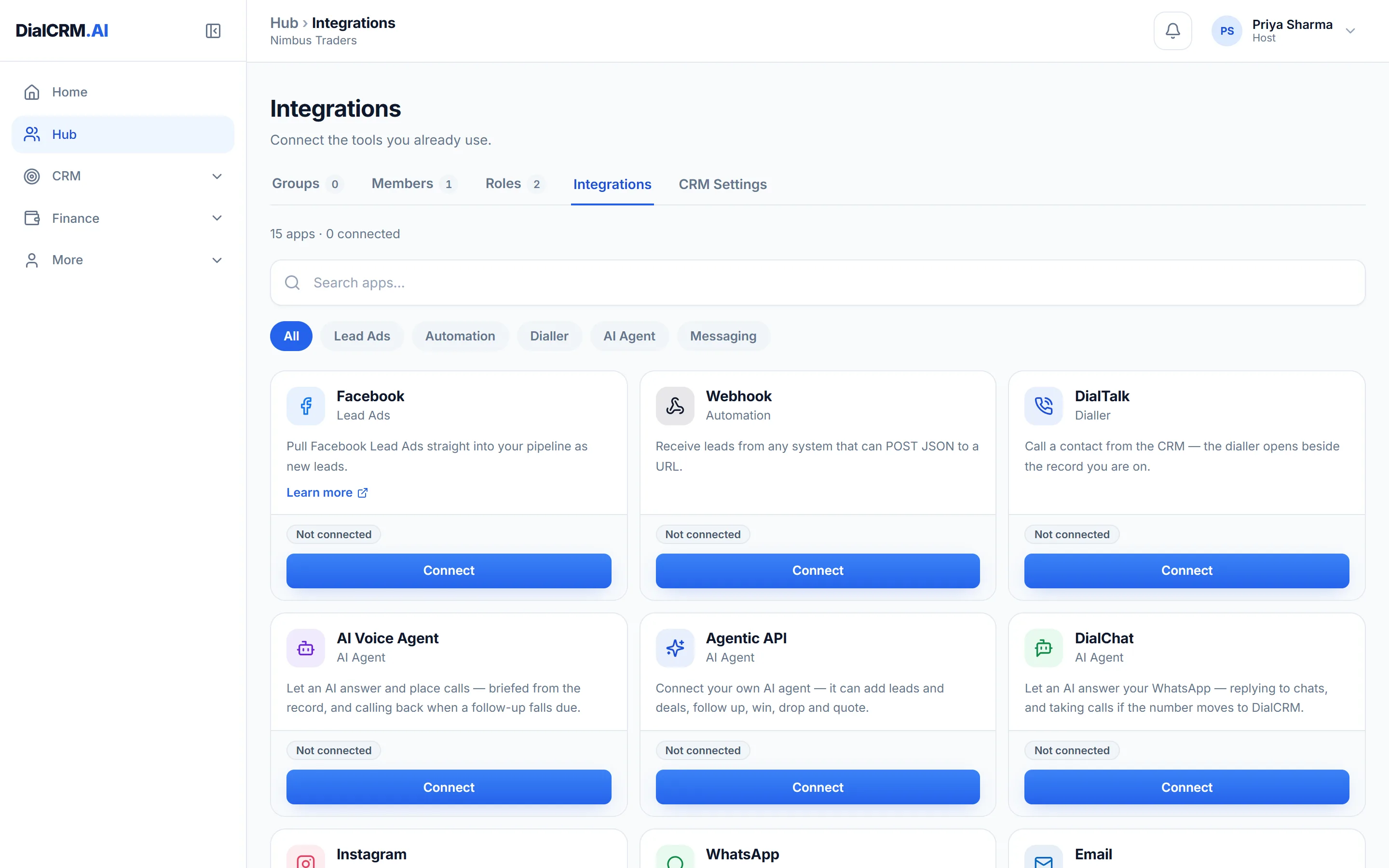
You sign in with your own Facebook account, and choose exactly what comes in.
A submission does not have to wait for somebody to hand it out.
Every delivery from Facebook is logged, so a missing lead can be traced.
Questions
You choose from the lead forms on the pages you connect. Each form can have its own field mapping.
Each delivery is recorded in a log with its status, and a failed one can be retried from there.
A separate Instagram connection is not available yet. It is listed as coming soon in the app.
Create a workspace, connect a source, and watch the pipeline fill with your real customers.
Get started free