Structure the team
Set up who reports to whom, and the app follows it.
- Members, groups and reporting lines
- Self, Team and Admin views on every list
- Custom roles, enforced on the server
Sales teams
Give each person their own desk, give managers their team, and see response times and missed follow-ups by name.
Sales team management software helps a manager assign work, see what each person has done and spot what is being missed. Here, reporting lines decide who sees whose work, and every attempt is recorded against the person who made it.
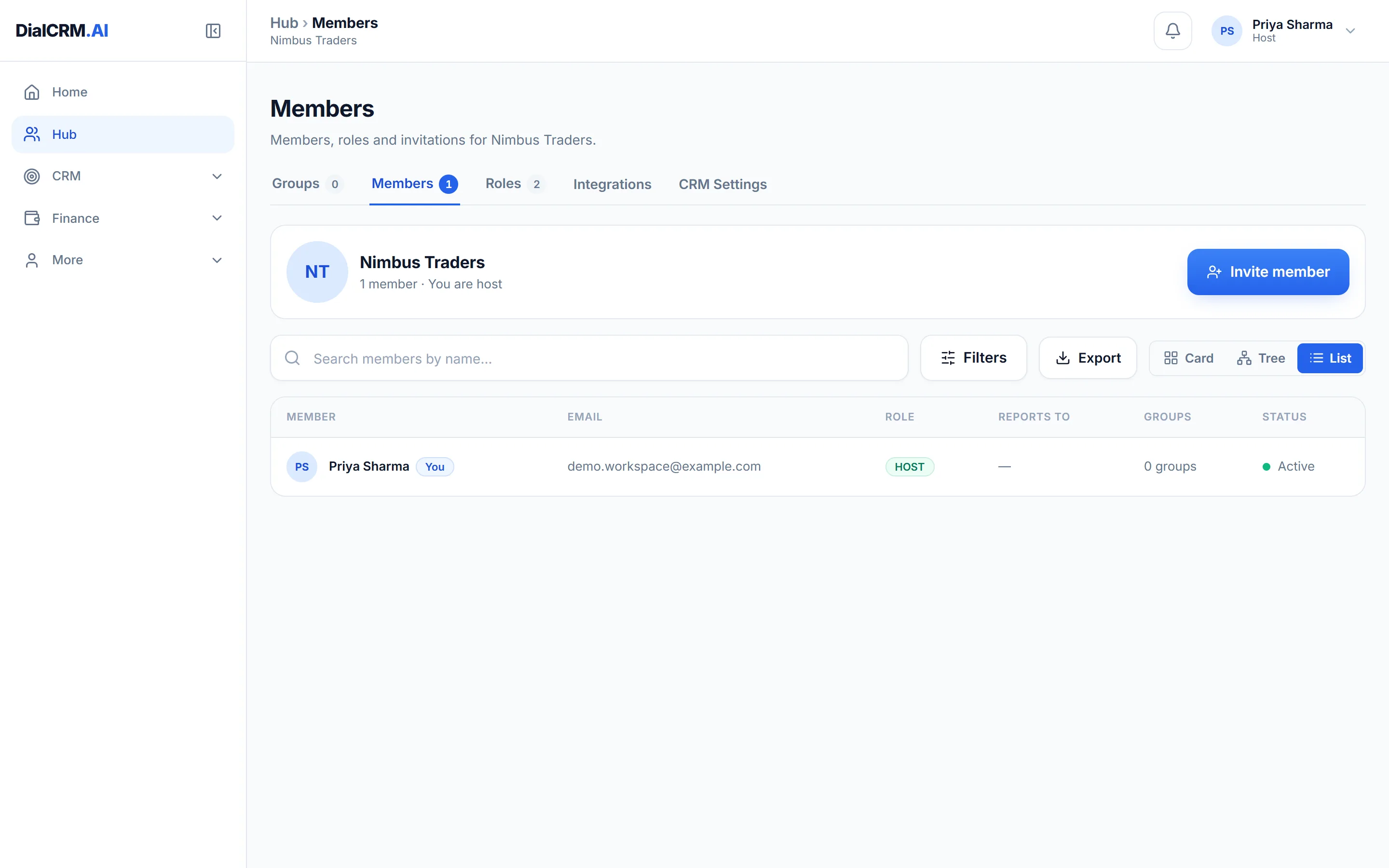
Set up who reports to whom, and the app follows it.
The figures come from the work itself, so nobody has to compile them.
When someone leaves or a customer complains, the answer is on the record.
Questions
Yes. The Team view shows a person’s own records plus those of everyone who reports to them, and the server enforces it.
The dashboard compares employees and sources, and Reports shows response time, follow-up adherence, delays and missed follow-ups for any period.
No. Attempts are logged as they are made, so the figures come from the work already being done.
Create a workspace, connect a source, and watch the pipeline fill with your real customers.
Get started free